Although it is a large terminal, OnePlus 3 performance has been very questioned since its launch a few weeks ago. Primarily by the questionable performance of its RAM memory, which has paled before other terminals such as the Samsung Galaxy S7 or the same iPhone 6s with one-third of your RAM memory. Now the community behind the OnePlus 3 which is already very large has designed a new Kernel that provides new configuration options that improve their performance.
One of the most direct ways enjoy new configuration options and features on a phone is to install a new Kernel, as in the case of the new OnePlus 3, which already has received the ElementalX in its Beta version. To install this Kernel, we are going to to change various parameters of the phone, for example:
- New gestures to unlock the phone
- Make Overclocking or Underclocking the processor
- Adjust or disable vibration
- Support for NTFS
- Option to disable fsync
- Improvements in performance and power consumption
- Do not modify the system partition
How to install the new Kernel in OnePlus 3?
To install this Kernel, we must first root OnePlus 3, to install a Recovery that allows us to Flash it. One of the most popular is TWRP, at the moment no official TWRP 3.0.2-0 version.

It goes without saying that we must follow to the letter the tutorial or we run the risk of brickearlo. Once we have installed TWRP, installation of the Kernel is very simple:
- Descargarmos the Zip-archive with the Kernel
- Copy it to the internal storage of the OnePlus 3
- Reboot in recovery mode
- After appear the Team Win logo click on the button “Install”
- We look for the downloaded Zip file and select it
- The slip is installed
- Reboot and ready
As you can see the process of modifying the OnePlus 3 Kernel is almost as simple as installing a new ROM, just need a Recovery that makes flash this file. After a reboot already we can enjoy new options that allow us to configure the OnePlus 3 with this new Kernel.
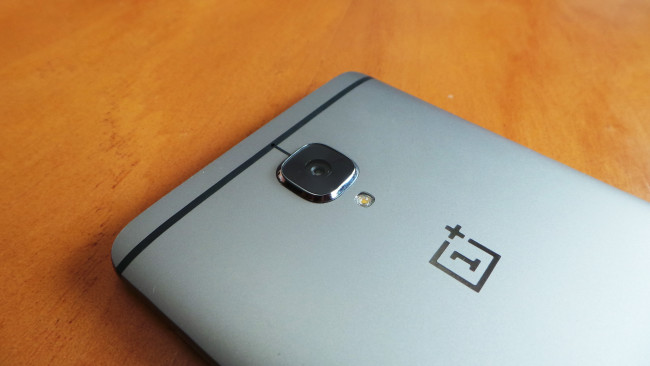
With him we will be able to improve performance as disputed, and may even increase the operating speed of the processor, or reduce it to spend less battery. If this will unite the following trick to improve the performance of RAM. No doubt a luxury for a phone that only takes a couple of weeks on the market, but that will definitely be the Favorites for the Android scene.
You may want you to:
- Comparative design OnePlus 3-Vernee Apollo Lite (video)
- You can already vote to let you try the OnePlus 3 in Spain
- OnePlus 3 vs iPhone 6s which has faster fingerprint reader?
The article how to add new options to the OnePlus 3 and improve its performance was published in MovilZona.