Among multiple alternatives to Microsoft Office that we can find for our tablet with 10 Windows, there is one that will especially like lovers users of free softwaretools. Many may already know OpenOffice, but what perhaps fails to know, is that this project has a platform called Open365, capable of synchronizing the documents in the cloud.
For now, we must be aware that Open365 is an alternative to Office 360, which is in Beta and may show a failure. However, it is free, offers up to 20 GB free and what you have tried so far seems to be quite functional, although some have another problem of fluency. His environment blend elements of KDE and OpenOffice program.
First thing: give us high in Open365
By now the entire interface is in English. However, if you do not domináis very well the language, we will go step by step detailing how to proceed in order to enjoy the tool. As you say, the first step is to go to the website of Open365 and write our mail in the text boxor. Once this is done, will leave us a screen type form, where we must complete Nick user / password / confirm password / Email / name / last name and accept the privacy policy.
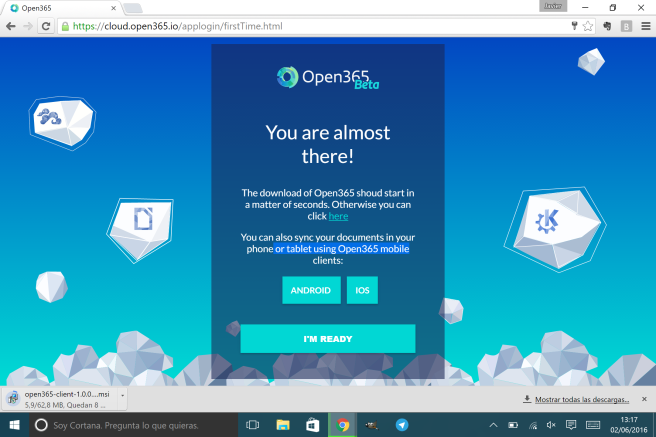
Automatically be given the opportunity to perform the download of the client program for Windows Open365 and we will also install the app for Android or iOS. We can skip all these steps or carry out that interests us. If you downloaded the program, they are 62.8 MB. Probably, the experience is better, but it will occupy space on the device.
It is the time to click on ‘I’m ready’ write our nick of the user followed by @open365.io and meet with the main interface.
Starting to work with documents
To create a new document, you click on the top left, where it says Cloud. And select what you want to launch a new text, presentation or chartsheet. Also we can from there generate portfolios.

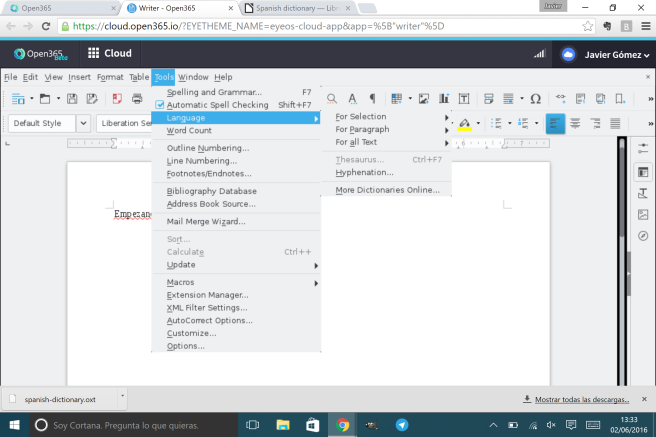
The program is in English by default, but you can enable other dictionaries from Tools > Language > More Dictionaries Online.
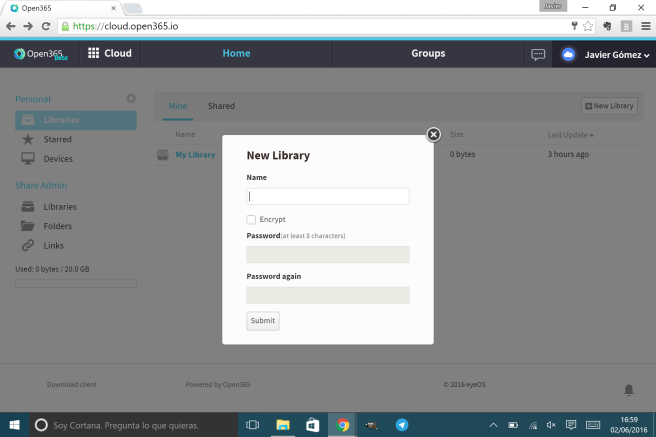
My library is the personal home folder, but you can create new libraries by clicking New Library. We even have the possibility of encryption.
Another interesting option is to upload our own documents (not only odt, also accepts docx) and continue working from the platform. To do so, our library, click on Upload and browse until you find the file you want the folders of the tablet.
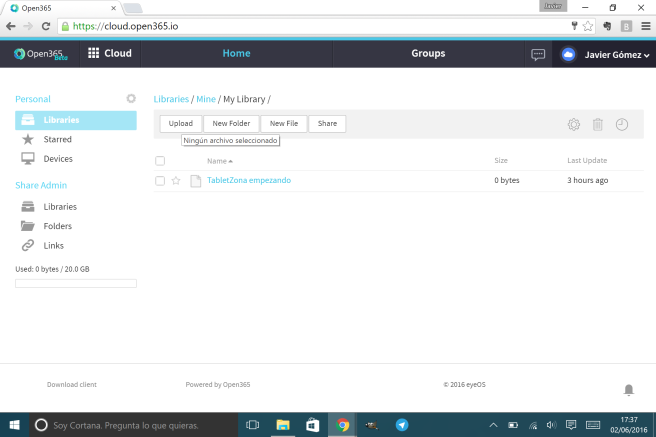
From here, start to generate content or explore a bit more the possibilities of this web application depends on you.
If you have a tablet Windows 10, you can find news, tutorials and tips in our section dedicated to the system.
Article download and learn how to use Open365 in your Windows 10 tablet, the free alternative to Office 365 was published in TabletZona.