The interface of Huawei, EMUI smartphones, tends to please the owners of Chinese devices. However, there are moments in which the user want you vary the appearance of the graphical layer. What better option that apply the appearance and personalization of a Nexus with Android? If you want to customize your Huawei P8, P9 Huawei, Huawei Mate 8 or any of the firm with EMUI 3.1 or EMUI 4.0 onwards, smartphones do not miss the method to apply the theme Android N. It is very simple.
Luckily, Huawei Smartphone come standard with a unique application – topics – from which it is possible to customize the interface EMUI. From this topics including system can be applied. There is even a section from which download other many available online. However, the following topic proposes an even more profound change in the interface and makes it by applying a theme with the interface of Android N.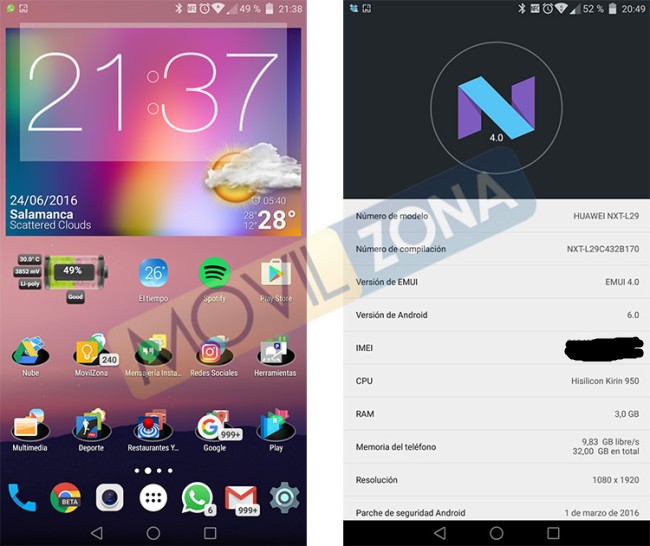
Android N all
What is surprising in this topic is that the changes applied to the interface of the equipment are reflected in numerous sections of the interface. Whether in the own wallpaper, sounds, and icons of the system, where we will most appreciate that aspect with pure flavor of Android N will be in the setting menu or in the notification area. Both the color and the style of the icons are identical to those who can offer any Nexus with the Android N installed testing version. Also subtle changes you can appreciate in the icons as in the color of the interface in sections such as the Gallery, the phone dialer, SMS notifications of applications and even the effects of the framework.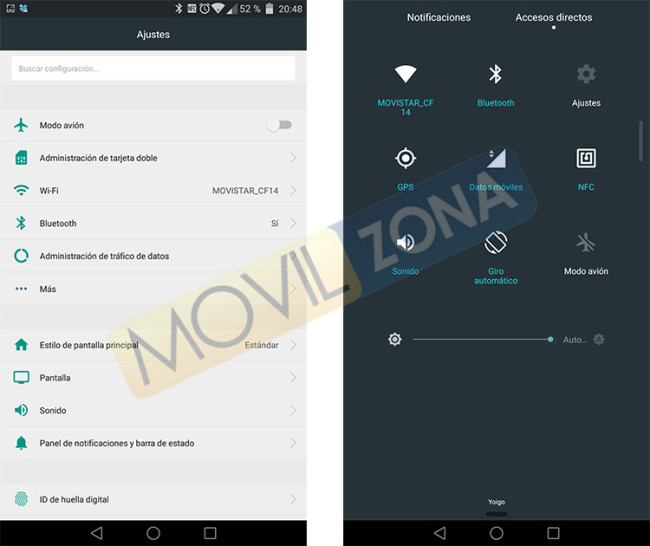
Installation
Any smartphone compatible Huawei installation process is extremely easy if we take into account the following set of recommendations. You only have to go to the download section offering XDA Developer (but which you we also list below) and save the corresponding file in the memory of our terminal. For example, for the installation of the theme Android N in a Huawei P9 or Huawei Mate 8 will have to opt to file hwt associated to the interface EMUI 4.0 version. If on the contrary we have another model oldest must opt to EMUI 3.1 (you can check the version of the interface from settings / about the phone.)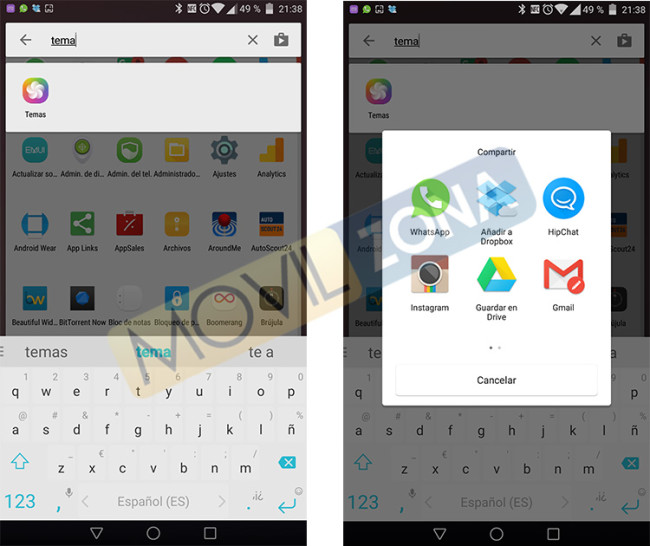
Android N EMUI 4.0 theme
Item No. Android to EMUI 3.1
If we download from the browser of our smartphone, Google Drive interface appears on the open tab. If we click on the icon to download directly, the system automatically opens the document, which will not allow us keep the necessary file with extension. hwt. To do this, it will need to press on the icon Add to my unit and from there to upload the file to your Drive account. Now yes, we access Google Drive from the app to your smartphone and proceed to download the theme. 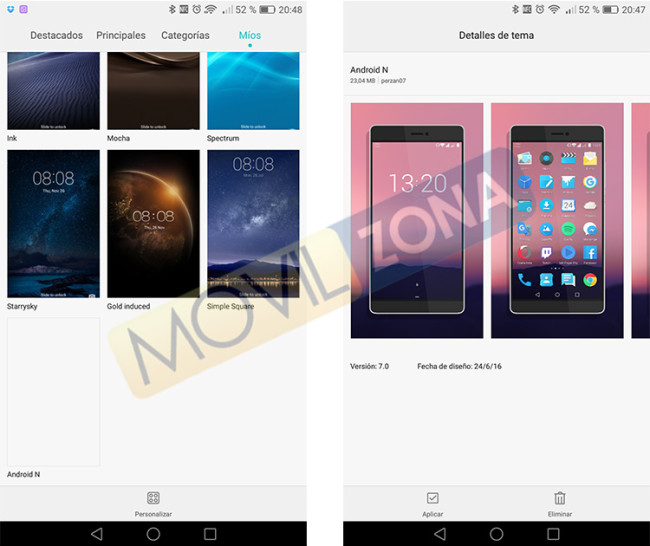 Now is time to access the file manager (uses the series integrated into the system) to the folder download, in the internal memory. Copy or move the downloaded file to the folder in the internal memory called HWThemes.
Now you only have to run the application topics of Huawei and access to the my tab. There will be shown a preview of the Android N topic and we will just have to apply it. Then enjoy the interface shown in the different catches.
The article Customize your Huawei P9 or Huawei Mate 8 with this theme of Android N was published in MovilZona.