WhatsApp is the customer’s messaging more used in all the world, however, by many reasons not is the best. When this messaging client was created never thought that he would come to support so many users all over the world, so the protocol used and the core of the main application are very inefficient under certain circumstances, for example, to allow users to have two accounts at the same time.
Today many smartphones, especially the Chinese, come with dual-sim, i.e., with the possibility of using them at the same time two phone numbers (one, for example, staff and another for work), however, if we want to have two accounts of WhatsApp in one phone, one for each, this it won’t be, at least in a normal way.
In Android, the Play Store, app store there are applications developed by third parties that allow us to move a copy of any application to a kind of “virtual environment” in a way that, regardless of our main application, be able to use a second instance of the same as if it were a standalone application and, above all, legal. One of these applications is 2Accounts.
How 2Accounts
The first thing we have to do is download the latest version of 2Accounts free of charge from the Android, the Play Store app store.
WP-Appbox: 2Accounts (free*, Google Play) →
Once installed, run it and, after a short introduction, it will display a screen where we must choose the applications that you want to add to the program.
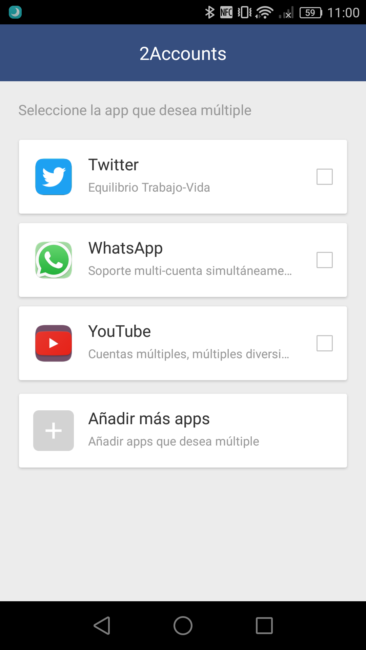
If the application does not appear in the list, you can select them from the list of all apps installed from the button “add more apps“.
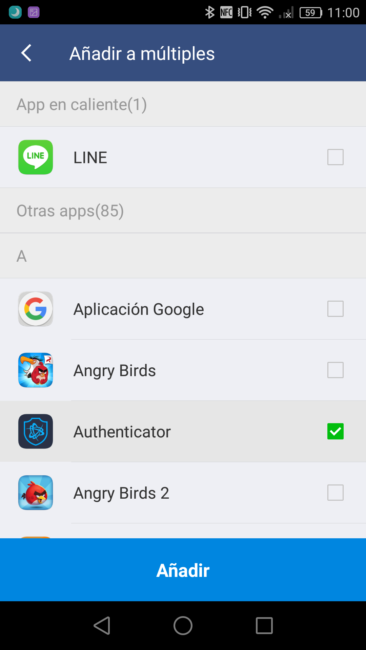
Once added, the program will show us his (poor) main screen where appear us all these duplicate applications.

Now, the only thing we have to do is click on the application to duplicate and in seconds, will open the new instance.
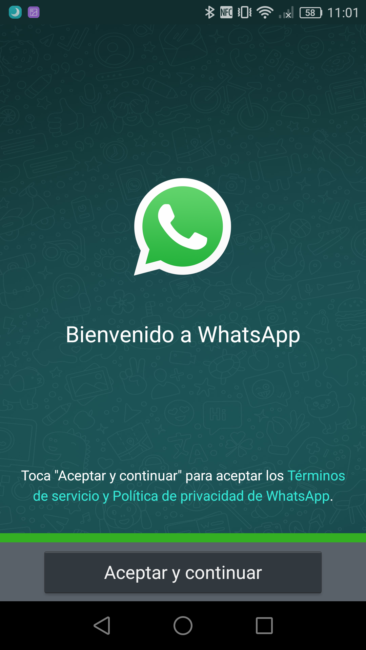
Already we can, for example, in the case of WhatsApp, log with our second number to start using two WhatsApp in the same mobile. Although we use this duplicate version, the main version will remain intact, and their data will remain isolated from this new instance.
2Accounts doubles any application or game, not only WhatsApp
This application not only us serves to duplicate an instance of WhatsApp, but also can duplicate virtually any application without problems, e.g., Facebook, Twitter e even any game installed to take advantage of us of different features as, for example, it double experience.
To do this, we have to click on the button “Add” on the main screen to choose another app that you want to duplicate.
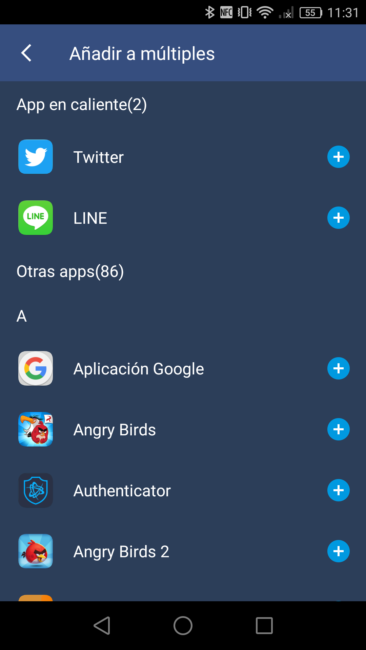
In addition, users who sign-up as a “VIP” area will benefit from other additional functions of your application as the possibility of blocking apps with a PIN to prevent cotillas and even hide apps to make use of them in a secret manner, more clandestinely there.
We remind that WhatsApp, just like other applications, have been enforcing sanctions on those who are connected from modified clients. 2Accounts isn’t an unofficial client, but it creates a copy of the official client, so the connection is made through the official client, and there is no risk of ban or sanctions.
The article how use WhatsApp two accounts with 2Accounts was published in MovilZona.