One of the best things about Android is undoubtedly the great freedom of customization offered by us. There are many tools that help us to enjoy custom ROMs that can give it a look completely different to our phone. One of them is TWRP recovery, a key application to install our favorite ROMs and is now officially available for various terminals of Huawei and Honor. Are going to see how to install it in them Huawei P9, Matt 8 and Honor 5 c of a form simple.
Install a recovery on the phone is an basic operation to install custom ROMs or cooked, as well as flashing different apps that are not available through Google Play. Now TWRP has been released officially for eight terminals of Huawei and Honor, this are the following and their links of download:
- Huawei P9
- Huawei P9 Plus
- 8 Matt Huawei
- Huawei Honor 4 X
- Huawei Honor 5 c
- Huawei Honor 6
- Huawei Honor 6 Plus
- Huawei Mediapad 8.0 M2
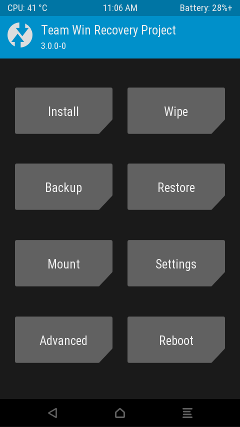
TWRP installation using fastboot recovery (no need to Root)
With this procedure not need that our phone is rooted previously, but yes going to need connect it to our computer to make the operation from it. To start the installation need to download and install on your computer the SDK of Android to our operating system. Now download the drivers of our phone, can choose between two alternatives, Naked ADB or Universal ADB.
- On our phone we go to settings / phone info and press 7 times on the version of the Build to enable developer settings.
- We are now entering the developer menu and enable USB debugging.
- Open the command prompt in Windows or the console of the terminal in any of the other operating systems
- Esribimos adb reboot bootloader
- Download the TWRP image for your phone and copy it to the same directory that you have saved and installed the drivers
- Write in the console of the system fastboot flash recovery twrp.img
- We now write fastboot reboot
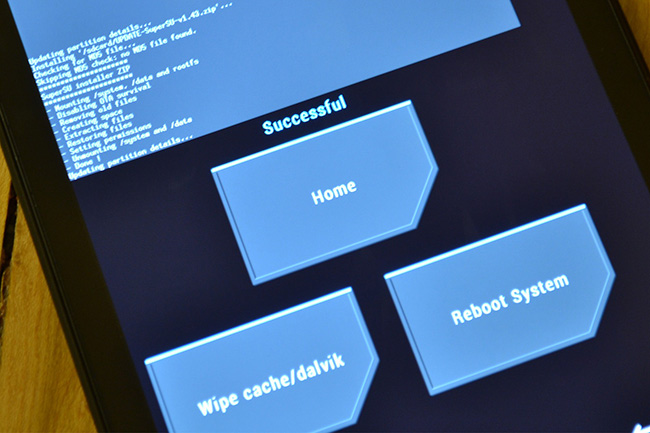
Facilities alternative
You can opt for other ways to install TWRP, although we need to be Root. One of them is to download TWRP Manager from Google Play Store to install it from the same application
WP-Appbox: TWRP Manager (Requires ROOT) (free*, Google Play) →
The other alternative is through the same TWRP, this comes in handy to upgrade a version, just restart in mode recovery, click install, select the Zip file with the TWRP which we have previously downloaded and slide to start the installation. To be able to do it so must have installed at least TWRP 2.8.4.
You may want you to:
- TWRP reaches the Max my Xiaomi and Moto G4 to install ROMs customized
- Current ROM: TWRP vs OTA in HTC 10, CM13 OnePlus x, TWRP in LG G5 and much more
- How to install TWRP Recovery at LG G5
The article TWRP official recovery available for Huawei P9, Matt 8 and 5 c (download and install) honour was published in MovilZona.